 admin
admin In this blog we will see how we can open a PDF document on click of button from a record in CRM
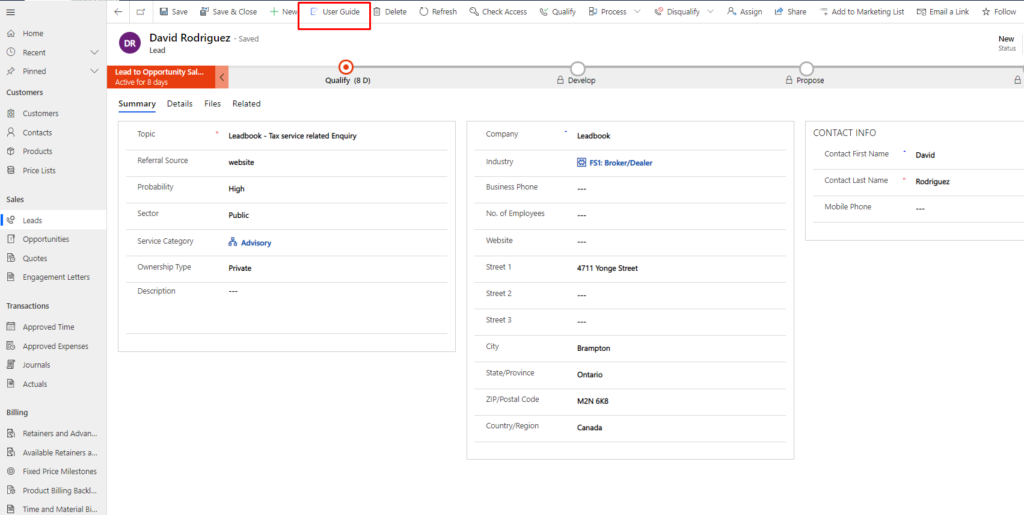
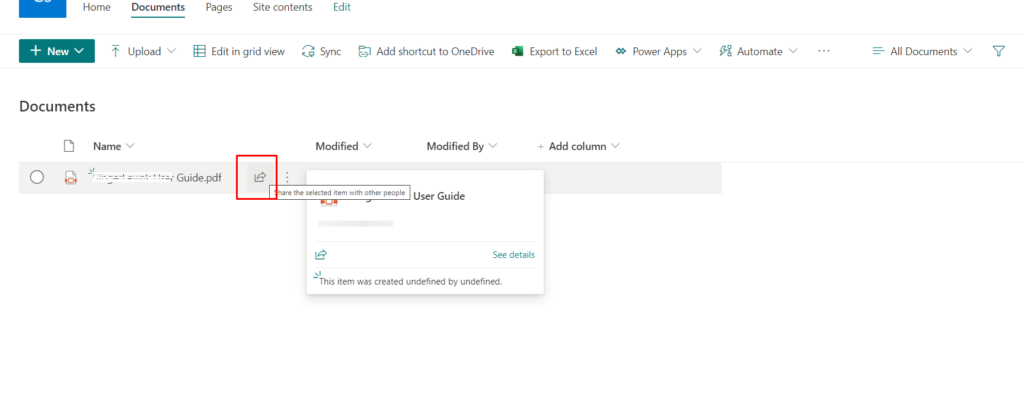
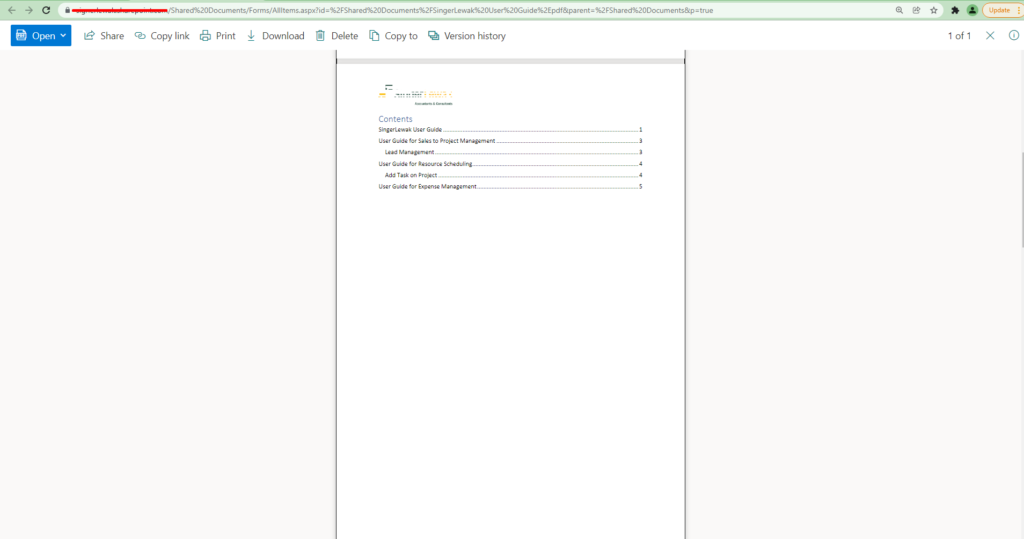
Let say we have User Guide button on Lead Entity and on click of User Guide button, a PDF document which is User Guide document should be open in next tab.
Solution
- Create a solution and add lead entity only.
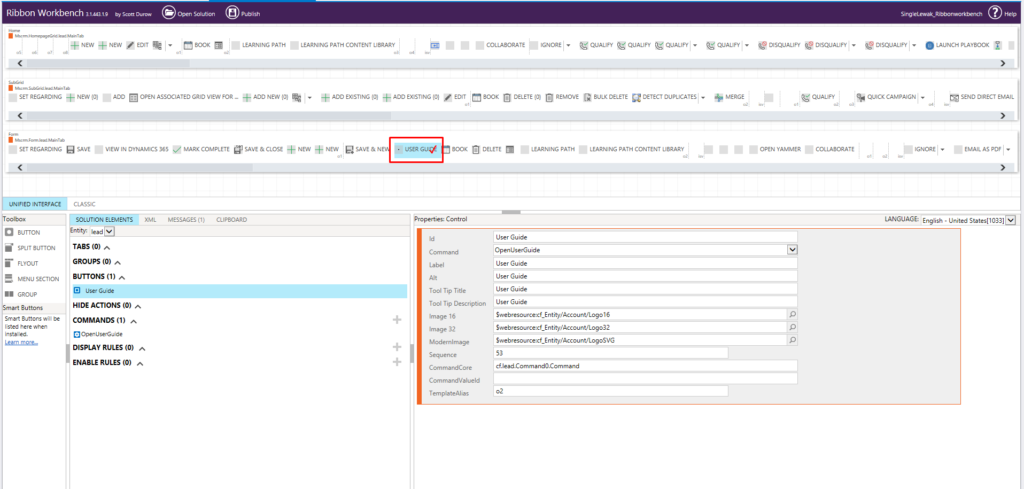
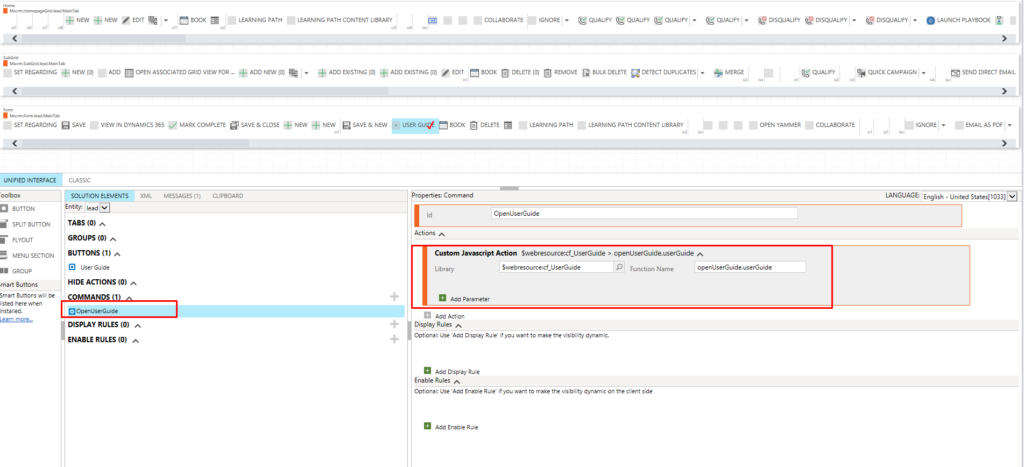
Then open the same solution in XRM Toolbox – Ribbon Workbench
 var openUserGuide =
{
   //openUserGuide.userGuide
userGuide: function () {
    "use strict";
    Xrm.Navigation.openUrl("https://sinerleak.sharepoint.com/:b:/s/SingerLewak/EaQO2OWjWA1BnHFCCENV-6EBDkILbg3EfPSFLEu-KCeraw?e=ofVyVB");
    }
}
- Add action to command and Publish the solution from XRM Toolbox
Output –
[vc_row][vc_column][vc_cta h2=”We are happy to help!” css=”.vc_custom_1678760946443{margin-top: 10px !important;margin-bottom: 10px !important;}”]If you need technical support for your projects simply reach us at contact@bizsoft.com.sg or fill out the form below and we’ll be in touch shortly.[/vc_cta][/vc_column][/vc_row][vc_row][vc_column][dt_contact_form fields=”name,email,telephone,message” required=”name,email,message” terms=”y” terms_msg=”QnklMjB1c2luZyUyMHRoaXMlMjBmb3JtJTIweW91JTIwYWdyZWUlMjB3aXRoJTIwdGhlJTIwc3RvcmFnZSUyMGFuZCUyMGhhbmRsaW5nJTIwb2YlMjB5b3VyJTIwZGF0YSUyMGJ5JTIwdGhpcyUyMHdlYnNpdGUu”][/vc_column][/vc_row]